For most law firms, the website is no longer a brochure. It's where new matters begin: enquiry forms describing a client's situation in detail, uploads of identity documents, online quotes, and sometimes links for paying money on account. That makes it a front door to some of the most confidential information a firm handles.
On 21 October 2026, two critical flaws in PHP, collectively called PHP2Shell, were fixed in an emergency release. PHP underpins WordPress and many of the platforms legal websites are built on. Our main article covers the wider picture, including government websites switched off as a precaution and attacks starting within minutes: PHP2Shell and the Cyber Essentials 14-day patching rule.
What could an attacker actually do?
The NCSC describes the flaws as allowing an attacker to execute commands on a web server running PHP, without logging in. On a law firm's website, that could mean:
- reading enquiry form submissions, which often contain sensitive personal and case details
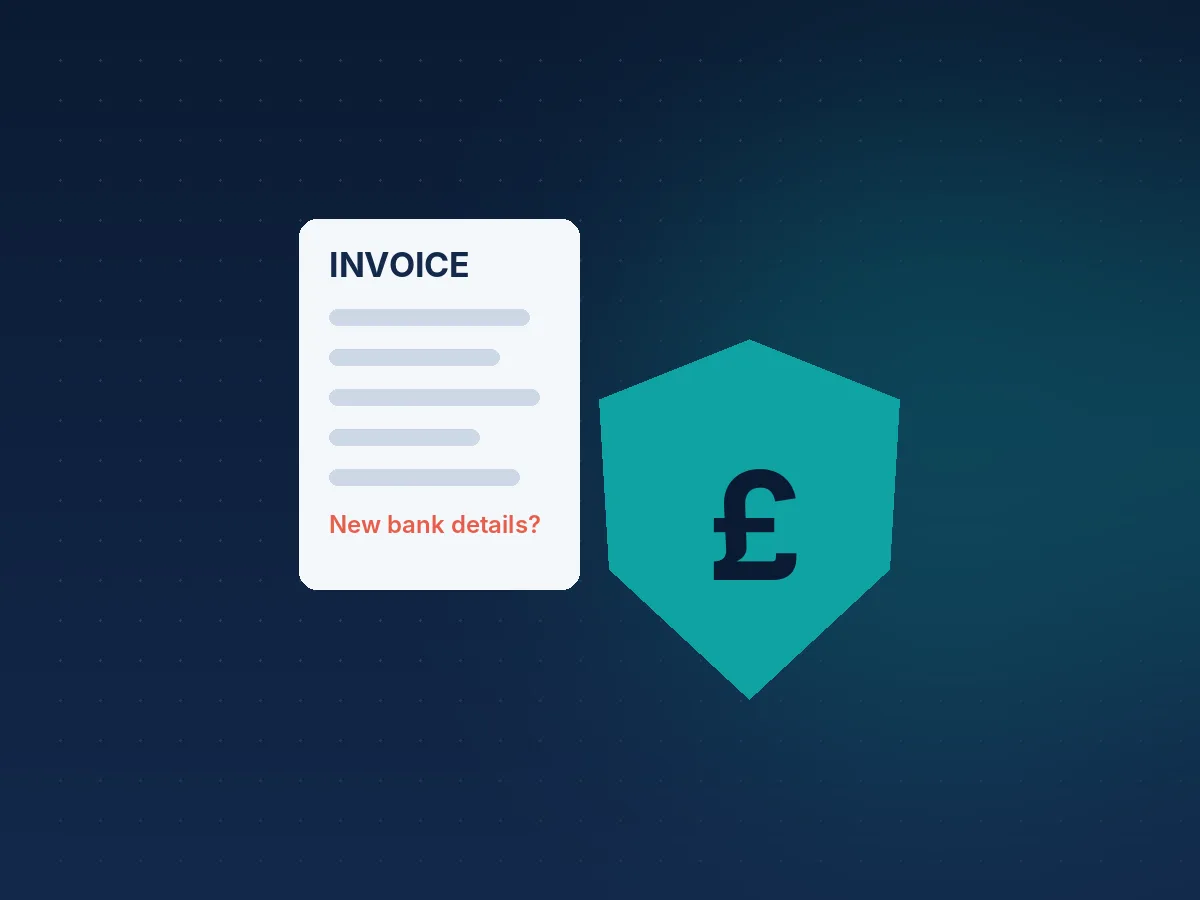
- altering bank details or payment links shown to clients, a gift to anyone running payment diversion fraud
- planting malicious content that targets visitors to your site
- using the server as a foothold to reach other systems it connects to
Each of those is a confidentiality problem first and an IT problem second.
Your checklist
Identify every PHP-based system the firm uses. The main website, any separate sites for individual practice areas or offices, client onboarding or document upload tools, and online booking or payment pages.
Get written confirmation from your web developer or host that PHP was updated to a fixed version (8.5.12, 8.4.27, 8.3.36 or 8.2.35) and the date it was done. Keep it on file.
Ask about unsupported versions. PHP 8.1 and older may not be fixed at all. If a practice-area microsite is still running one, retire it or rebuild it.
Check for compromise. Researchers observed an exploit attempt on 17 October, before the flaws were public. Ask your developer to review the site for unexpected files, changed content and altered payment details since then.
Re-check what clients see. Look at your own payment and bank detail pages with fresh eyes. If anything has changed that you didn't authorise, act immediately.
Agree who can switch the website off
The NCSC's advice to organisations that couldn't patch quickly was to consider taking affected systems offline. In a firm, that decision usually needs a partner's sign-off, so agree in advance who can make it and how clients will be able to reach you in the meantime.
The Cyber Essentials connection
Under Cyber Essentials v3.3, high and critical security updates must be installed within 14 days, and unsupported software must go. The NCSC is clear that 14 days is the longest reasonable period, and that updates should be applied as soon as possible. We recommend firms aim for 7 days as standard, and act within hours on actively exploited, internet-facing flaws like PHP2Shell.
For legal practices, the Cyber Essentials benefits are tangible: it's a recognised, independent baseline that clients, insurers and referrers increasingly expect to see, and it puts structure around controls you are responsible for anyway. If you want to know how to get Cyber Essentials without diverting fee earners for weeks, our Supported service pairs you with an assessor who checks everything before submission. More guidance is in our legal resources.