Before I started marking Cyber Essentials assessments, I spent more than 15 years running Netcom Technologies, an MSP in Sheffield. I know how MSPs work. Most clients get a slightly different setup. Onboarding depends on which engineer picked up the ticket. And "we'll sort it before the renewal" is a phrase most of us have said at some point.
I set up Get Cyber Certified to help the MSP and IT support community. Having now marked thousands of assessments, I'm convinced of one thing: the MSPs whose clients pass Cyber Essentials easily are the ones that build the standard into their everyday service. They don't treat it as a once-a-year project.
This article explains why that matters more than ever, and how we help MSPs get there.
Cyber Essentials is no longer a once-a-year exercise
For a long time, Cyber Essentials certification was treated as an annual event: tidy up, answer the questions, get the certificate, and forget about it for eleven months. That approach doesn't work any more.
The requirements are ongoing by design. Under the NCSC's Requirements for IT Infrastructure v3.3, security updates that fix critical or high-risk vulnerabilities must be applied within 14 days of release. That's a rolling obligation, not a snapshot. The secure configuration control also says organisations must proactively manage computers and network devices, regularly removing unnecessary accounts and software. As the NCSC's Head of Cyber Essentials has put it: "Cyber security is not a one-time effort".
The marking has also become stricter. Since the Danzell question set went live, if a cloud service has MFA available (free, included, connected through another service or as a paid option) and it isn't turned on, the assessment automatically fails. For an MSP managing dozens of tenants, MFA can't be a "most clients" setting. It has to be every client, every cloud service, every time.
Your clients are being told to ask you about it
In November 2025 the NCSC published guidance to help SMEs choose a managed service provider. It advises SMEs to use MSPs that hold recognised certifications such as Cyber Essentials Plus, and points them to the certificate search to check. It also lists the services SMEs should ask for: timely patching of all systems, tested off-site backups, security monitoring and logging, 2-step verification on all access points, and clear incident response procedures.
The guidance also encourages clients to look at the contract. It recommends a matrix of responsibilities showing what the MSP does and what the customer is expected to do, and regular health reports covering unapplied patches, users with unnecessary admin rights and weak password policies.
Put simply, your clients are now being taught what good looks like, and most of it maps straight onto Cyber Essentials.
The MSP's place in a client's Cyber Essentials scope
There's a scoping point that catches many MSPs out. Under v3.3, every account the organisation owns is in scope, including accounts used by an MSP to manage or support its infrastructure. Where an organisation uses externally managed services such as remote administration, it must be able to confirm the Cyber Essentials controls are being met and show this in its answers.
MSP-owned devices used by your administrators are out of scope for your client's assessment, but to your client you're a contractor, so they must still confirm your devices are configured correctly. Your accounts in their environment are in scope. So your client's answers depend on your processes. If your admin accounts don't use MFA, or your engineers browse the web on admin accounts, that becomes your client's problem at assessment time.
Where MSP services and the five controls meet
Most MSPs already deliver the building blocks. The gap is usually consistency and evidence, not capability.
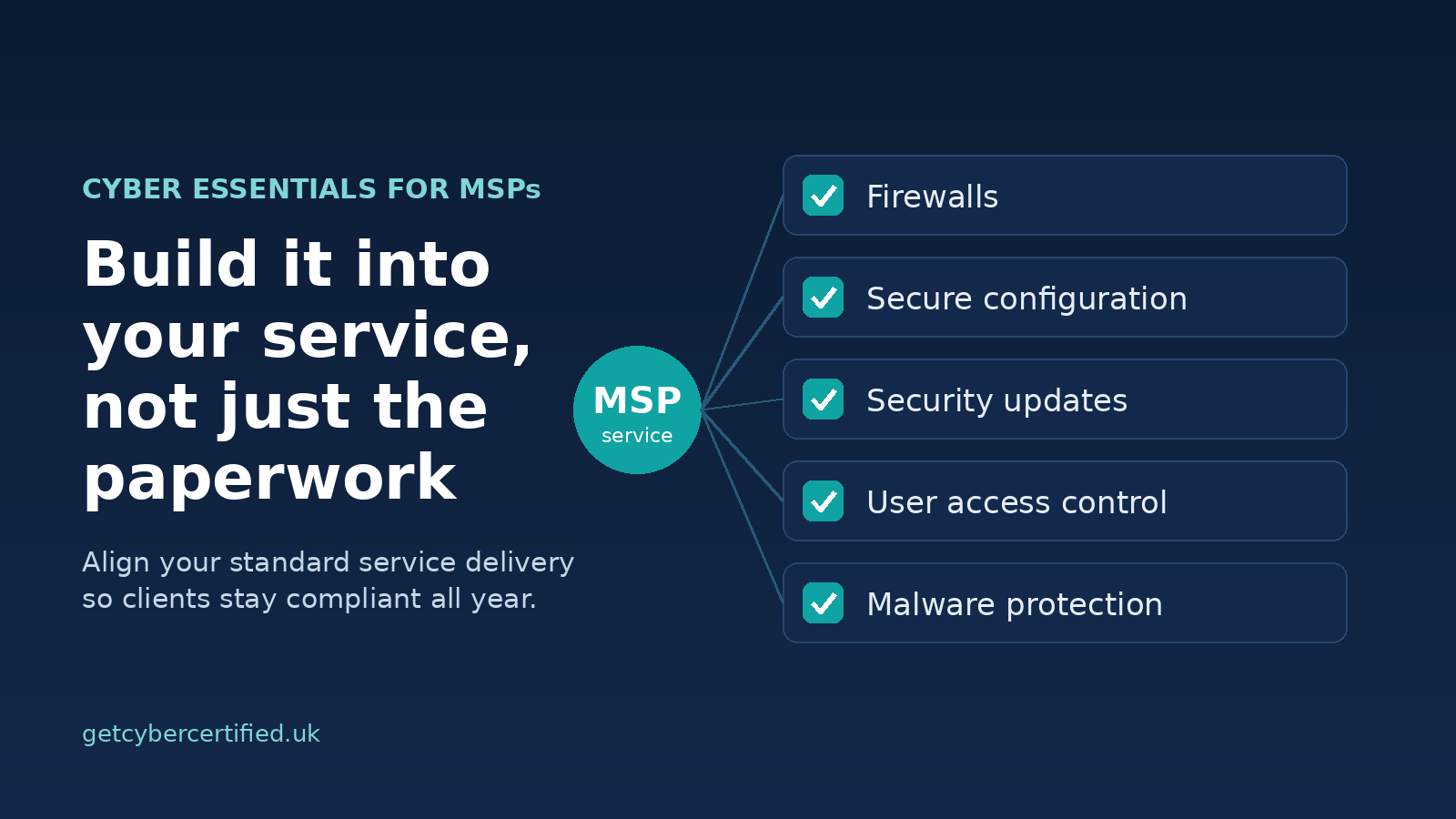
- Firewalls: managed firewall and router configuration, documented inbound rules with an approved business need, and admin interfaces locked down. Software firewalls are needed for devices used away from the office.
- Secure configuration: a standard device build, removal of unused accounts and software, auto-run disabled, and device lock settings that meet the brute-force rules.
- Security update management: patching of operating systems, applications and firmware within 14 days, plus a process for removing unsupported software. Our own stance is that 14 days is the absolute maximum. We recommend 7 days, and ideally within hours.
- User access control: joiner, mover and leaver processes, separate admin accounts, and MFA on every cloud service where it's available, including your own access.
- Malware protection: anti-malware configured to block malicious code and malicious websites, or application allow-listing where that suits the device.
One useful nuance: under v3.3, backups aren't a technical requirement of Cyber Essentials, but the NCSC highly recommends them. If backup is already in your standard package, you're covering what the NCSC's MSP guidance asks for as well.
How we help MSPs align their service with Cyber Essentials
This is where my MSP background and my assessor experience come together. We work with MSPs in four stages.
1. Understand what you actually deliver. We look at your service catalogue, onboarding process, standard builds, management policies, contracts and SLAs. We focus on what really happens across your client base, not just what the brochure says.
2. Map it against the current requirements. We map your delivery against the NCSC's Requirements for IT Infrastructure v3.3 and the Danzell question set. We show where your standard service already meets each control, where it depends on the client, and where there are gaps. Cloud services, MFA and the 14-day patching window usually get the closest look.
3. Help you standardise. We help you build a service baseline: a consistent set of processes, policies and settings that every managed client receives. That typically includes an onboarding checklist, a responsibilities matrix of what you do and what the client must do, and regular reporting that gives clients evidence they can rely on all year. You choose your tools and suppliers. We check that the way you use them meets the requirements.
4. Keep it current. The requirements are reviewed every year, and each April brings changes. We review your baseline against each update so your service stays aligned.
What this means for your clients
When your standard delivery is aligned with Cyber Essentials, you can describe your managed service as designed to help clients meet and maintain Cyber Essentials requirements. That's a strong, honest message to a client who has just read the NCSC's MSP guidance.
It's worth being clear about what it isn't. A service can't hold a Cyber Essentials certificate on a client's behalf. Each client is still assessed individually, on its own scope, by a licensed assessor, and will still have things that are its own responsibility, such as approving accounts, staff BYOD and any cloud services it signs up to itself. What changes is that your part of their compliance is already done, consistently, every month.
The benefits for your MSP
- Easier certifications and renewals. Clients on a consistent baseline need far less remedial work before they're ready to submit.
- Fewer surprises. Drift in patching, MFA and admin rights gets picked up through your normal service, not at renewal.
- A clear selling point. You can show prospects how your service supports the standard the NCSC tells them to look for.
- Clearer contracts. A responsibilities matrix makes it clear who owns what if something goes wrong.
- Your own certification. The same baseline makes your own Cyber Essentials and Cyber Essentials Plus much easier, which is exactly what the NCSC tells SMEs to look for in an MSP.
Let's talk
If you're an MSP and want your service delivery to support Cyber Essentials all year round, get in touch. Our IT partner programme works both ways: some partners work with us directly, and others prefer us to work with their clients. Either way, you'll be working with an assessor who has sat on your side of the desk.
You'll also find helpful articles covering many parts of the assessment in our Resource Hub.
This article refers to the NCSC’s Requirements for IT Infrastructure v3.3. Find it on our members’ page, next to the Danzell question set, with links to the matching Resource Hub articles.
Account and privilege checklist: Check how user and admin accounts are set up, including joiners and leavers.
Version checker and device list: Check your operating systems and apps are still supported and updated within 14 days.
Prefer an assessor to take you through it? See Supported Certification.
Is anything in this article incorrect or out of date?
Microsoft, Google and other vendors change their screens regularly. If you’ve spotted an error or if something no longer matches what you see, tell us here. Every report is reviewed, and we credit contributors (with your permission).